
Sell tickets to your next event

Create your event, add sessions and tickets, and start selling in minutes. Payments go through your own Stripe account.

Sell tickets to your next events

Create your event, add sessions and tickets, and start selling in minutes. Payments go through your own Stripe account.

Live in four simple steps

From idea to sold-out in four steps

STEP 1

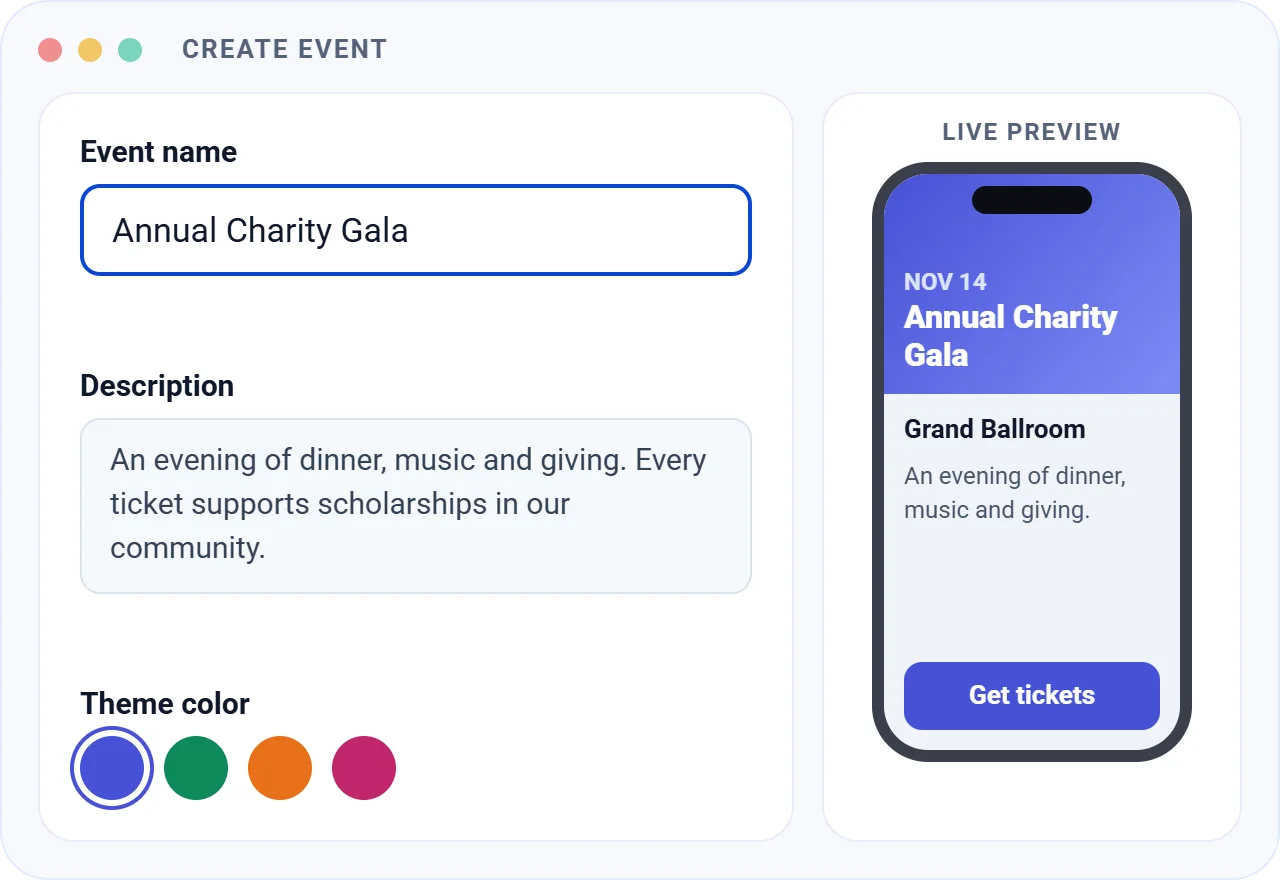
Create your event

Name, banner, venue and dates, with a live preview as you go.

1
2
STEP 2

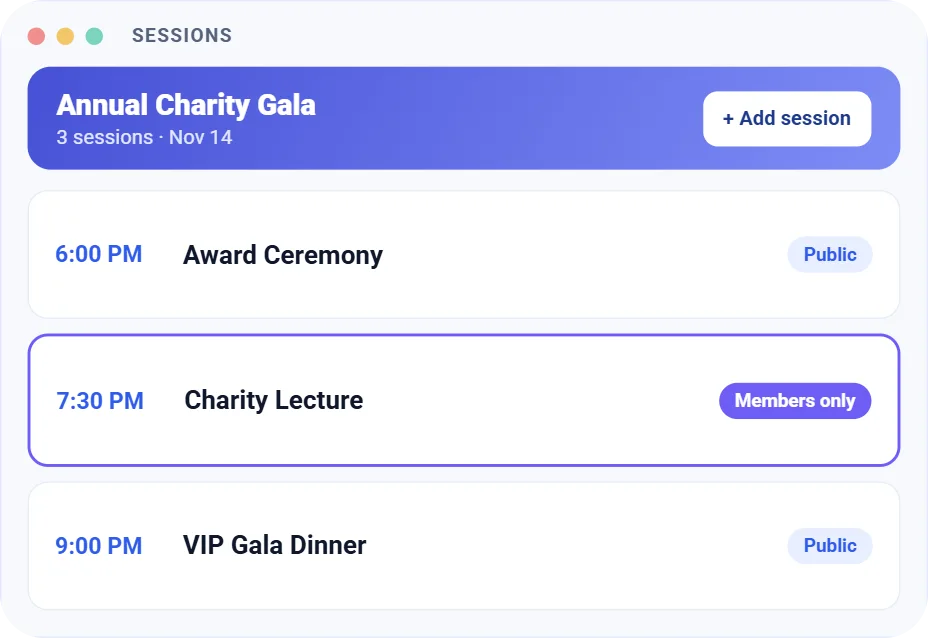
Add your sessions

Each with its own time, venue and booking window. Make any session members-only.

STEP 3

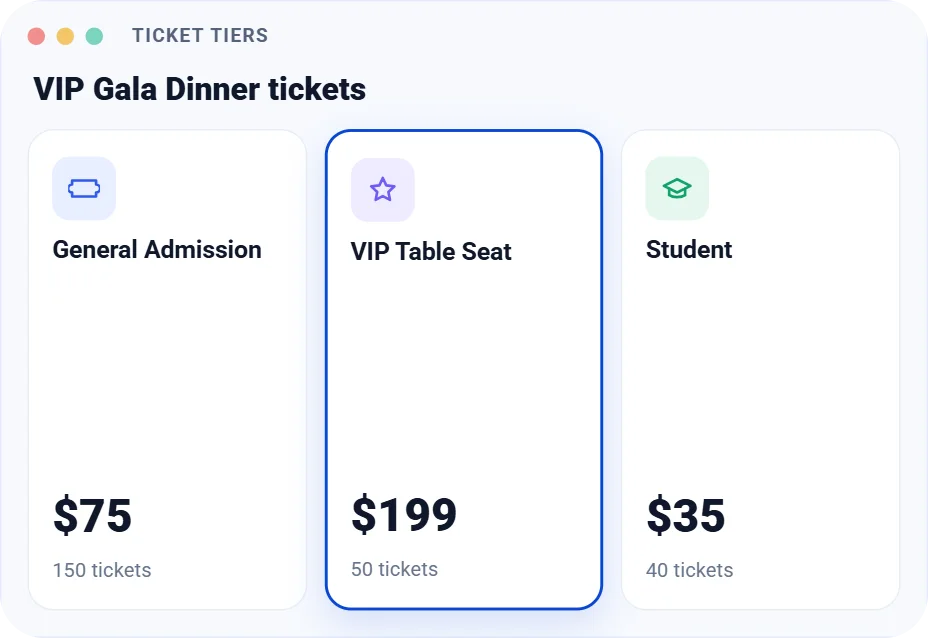
Set up your tickets

Ticket tiers, prices and limits, from general admission to VIP.

3
4
STEP 4

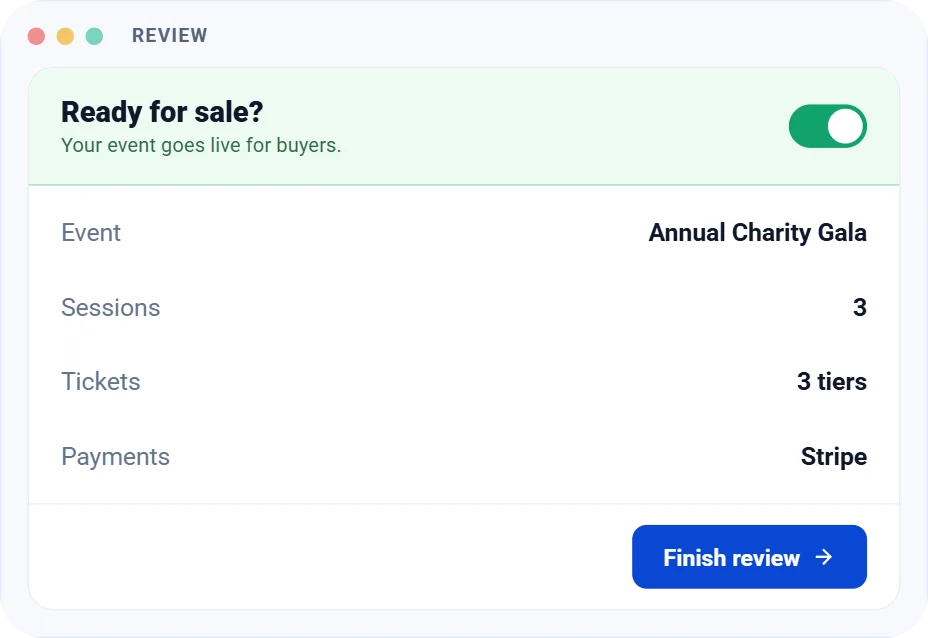
Start selling

Share your event link and watch tickets sell, with QR e-tickets sent to every buyer.

Early-bird pricing that runs itself

Add discounted pricing windows to any ticket, and the price changes on schedule.

  • A discounted amount with a start and end date and time
  • Several windows per ticket: early bird, last chance
  • Name each window to keep them organized

Digital tickets with a QR code

Every attendee gets a digital ticket with their session, date, venue and a unique code.

  • Turn digital tickets on per session
  • Collect attendee details while issuing tickets
  • A unique ticket code linked to the order invoice

Checkout in three simple steps

Attendees pick their sessions, add their details and pay, all on one page.

  • Sessions, then buyer and attendee info, then payment
  • “Same as buyer” fills attendee details in one tap

  • Discount coupons applied at checkout

  • A countdown timer holds tickets while buyers pay

Add your own processing fee

Set an optional surcharge for each payment method, shown to buyers under your own label.

  • A fixed amount or a percentage
  • A different fee for card, ACH or digital wallet payments

  • Your own label at checkout, like “Payment gateway fee”

  • Switch a fee off without deleting it

Everything your events ever need

  • Guided event wizard

  • Session wizard
  • Live mobile & desktop preview
  • Reusable venues
  • Genre tags
  • Session schedules
  • Ticket tiers
  • Early-bird pricing windows
  • Digital e-tickets
  • Thank-you emails
  • Processing fees per method
  • Event invoices

Do you have any questions in mind?

Go to Events and click Create Event. The wizard walks you through each step, and you can save and finish later.

An event is the whole occasion, like your annual gala. Sessions are the parts inside it, each with its own time, venue and tickets.

Yes. Set Membership Access to Members Only and pick which membership plans can book.

Ticket payments go to your connected Stripe account.

Yes. Add a pricing window to any ticket with a discounted amount and a start and end time.

An optional surcharge you add on top of the ticket price, paid by the buyer. Set it as a fixed amount or a percentage for each payment method, with your own label at checkout.

Yes, when e-ticketing is on for the session. Each ticket shows the session, date, venue, attendee and a unique QR code.